Guides · For MeiGen users · Livepeer Agent
Keep the prompts. Ship the playbook.
MeiGen’s gallery is excellent inspiration — 1,400+ trending templates. Livepeer Agent turns the best of those shapes into agent-run recipes with spend gates, finishing tools, video (i2v / t2v / v2v), and published showcases you can remix.
MeiGen (great at)
- Searching a huge curated prompt gallery
- Enhancing a short idea into a polished image prompt
- One-shot image gen across many image models
- Parallel batch variations via sub-agents
Livepeer Agent (adds)
- Playbooks: BRIEF → stages → STOP gates → finished deliverable
- Finishing: grids, concat, mux,
hyperframes-render(legible type/UI) - Video as first-class: orbit, AR retail, kinetic type, native multishot
- Metered cost, brand kits, viewer URLs, showcase library
Wave 1 examples (real MCP runs)
Selected from MeiGen’s highest-signal patterns + video recipes MeiGen’s gallery under-indexes — rendered end-to-end on Livepeer Agent.
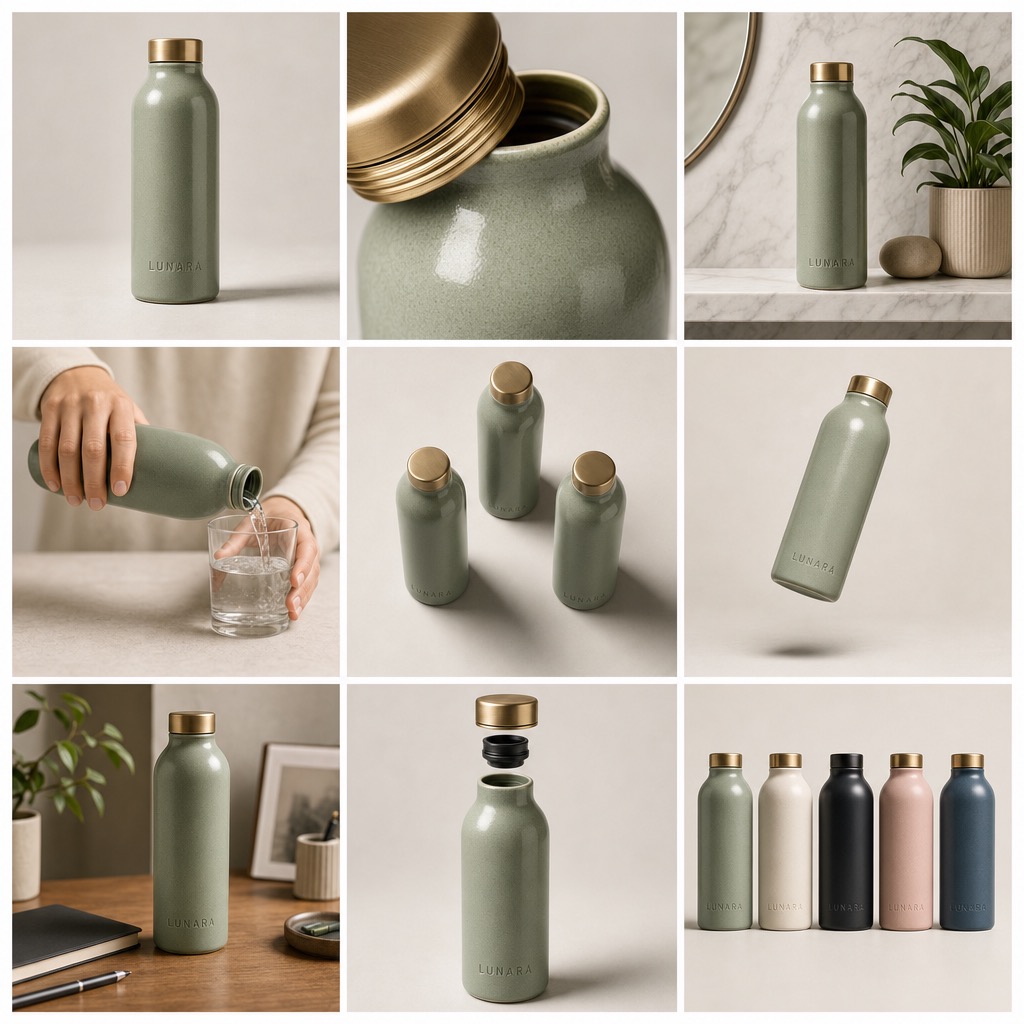
Product Storyboard 9-Grid
One SKU → editorial portfolio board
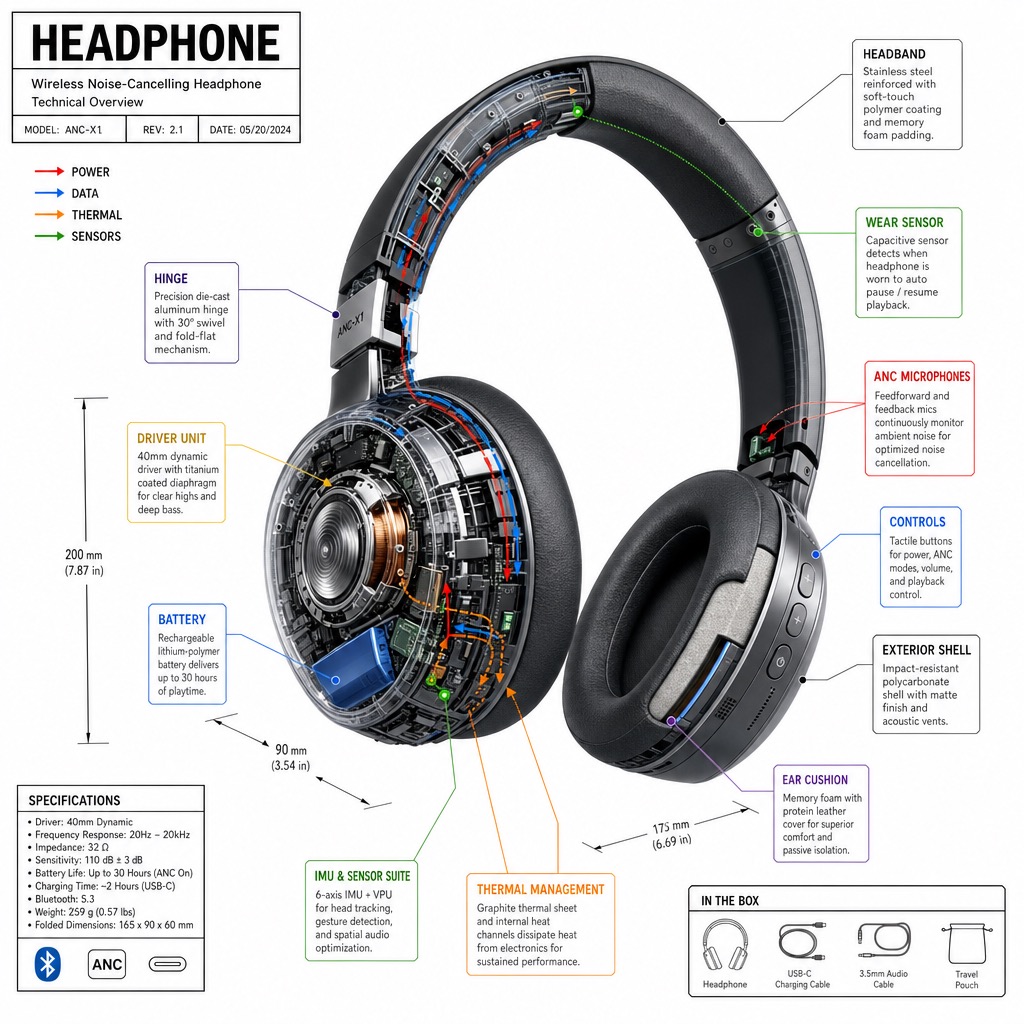
Product Teardown
Isometric cutaway + callouts
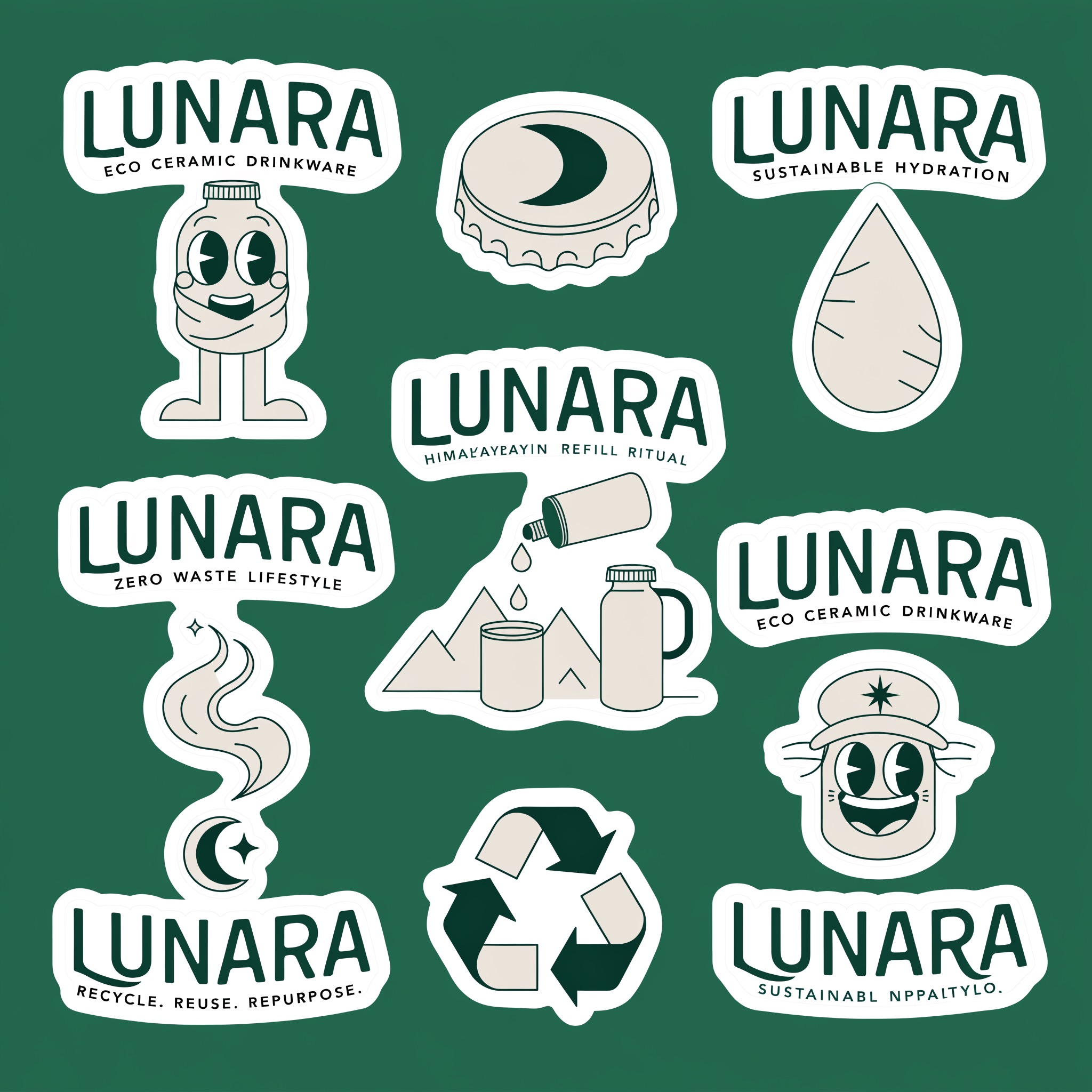
Brand Sticker Sheet
Monoline die-cut merch pack
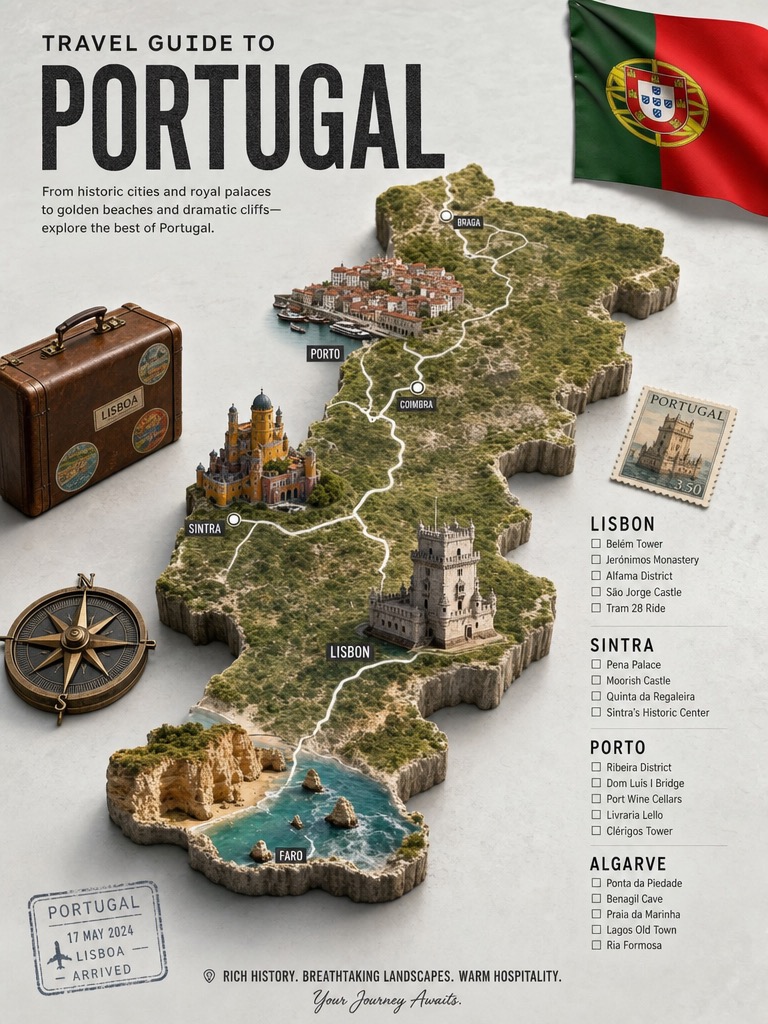
Travel Guide
Terrain map + landmark checklist
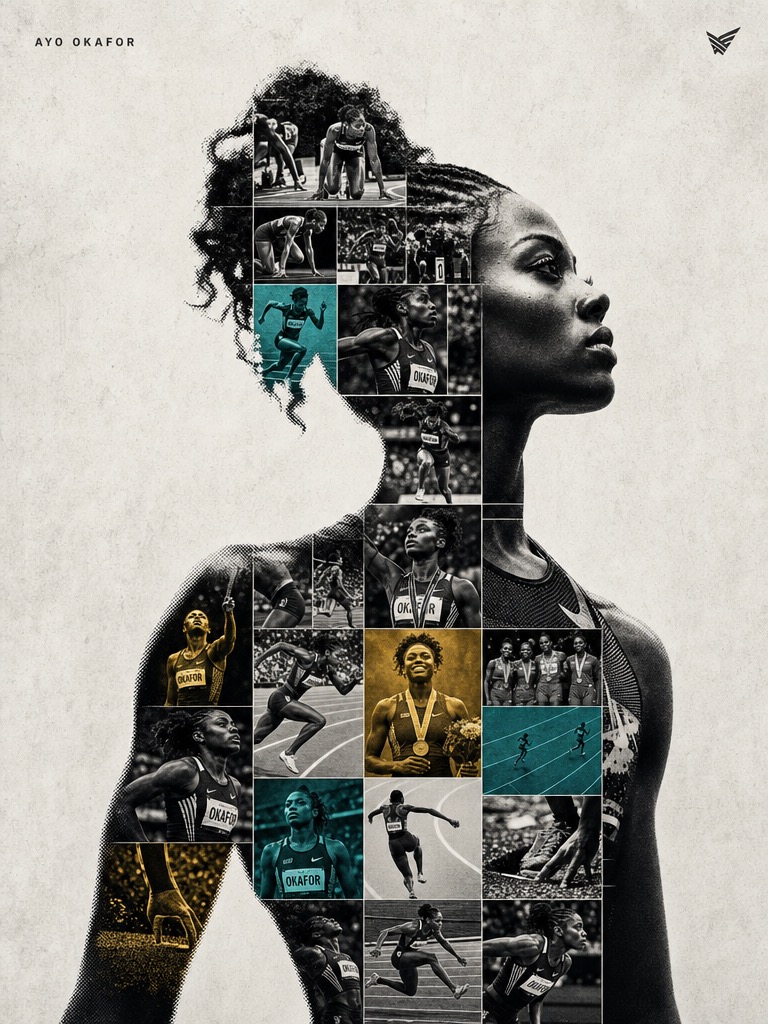
Sports Tribute
Dual-exposure poster · user refs only
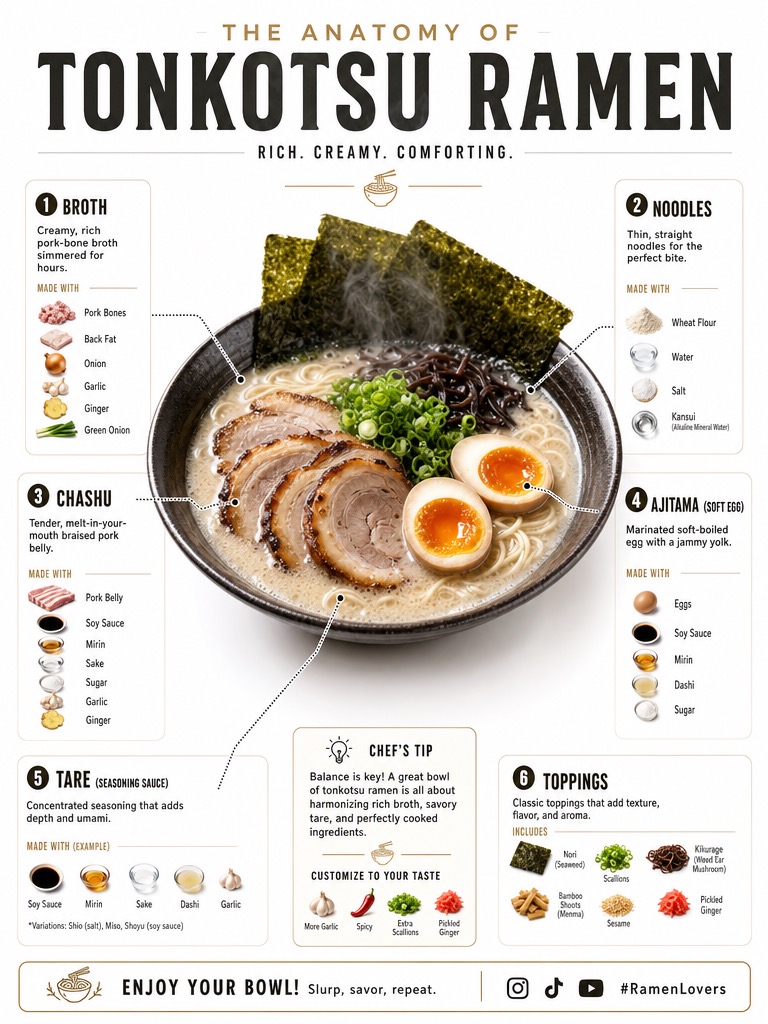
Recipe Anatomy
Plated hero + ingredient callouts
POV AR Retail
Hands + baked AR UI → motion
Product Orbit
Packshot → turntable clip
Kinetic Type
Atmosphere + HTML type that never melts
Native Multishot
One continuous commercial take
How to try it in 2 minutes
- Install the Livepeer Agent MCP (get-started).
- Open any Wave 1 playbook from /playbooks — paste into Claude / Cursor.
- Fill the BRIEF blanks; approve STOP gates; get a viewer URL + finished asset.